 Ripley Raethel-Scott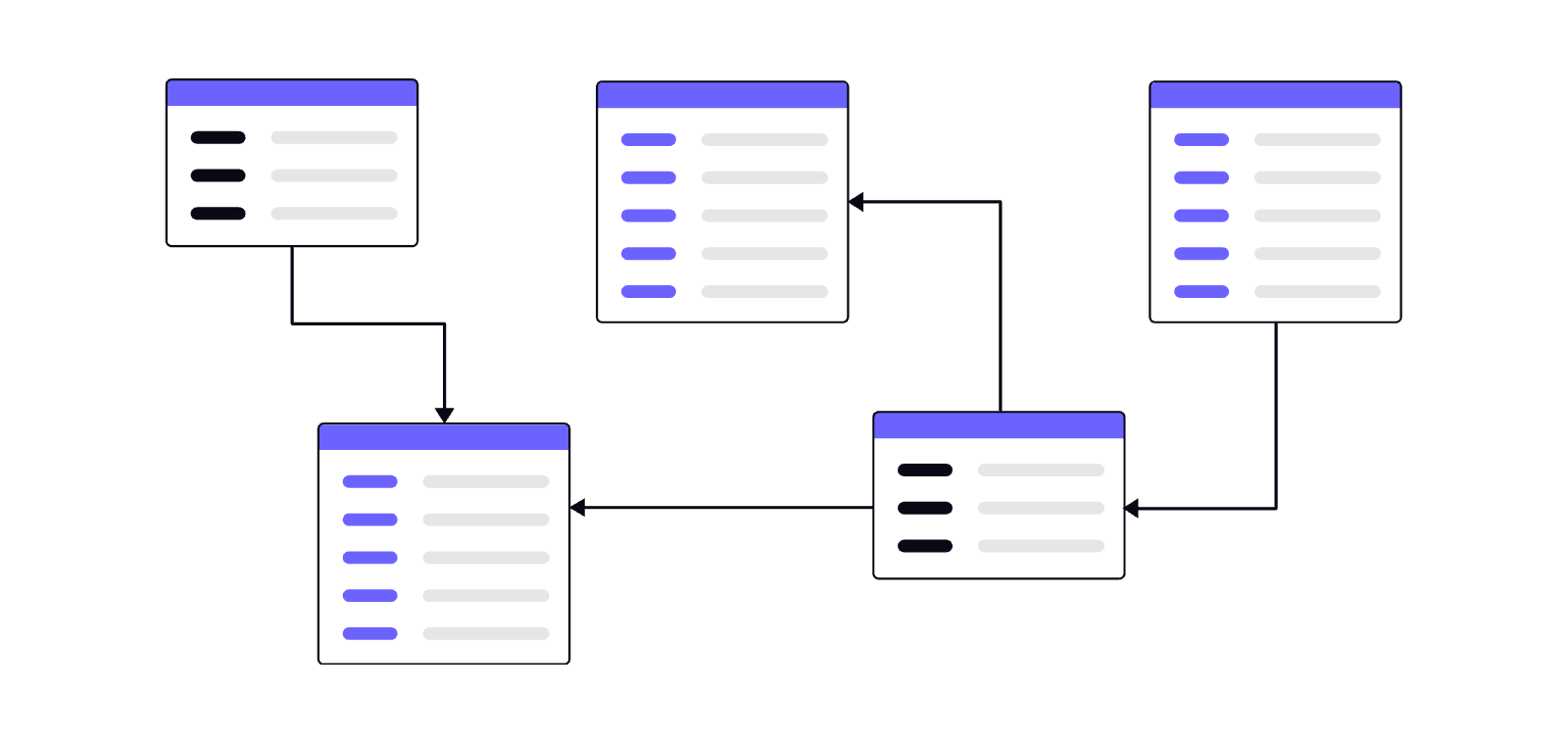
Here's a conversation that comes up constantly in enterprise Martech. A business has been running Braze successfully for a couple of years — or they're about to kick off their Braze implementation for the first time — and the question of workspace architecture lands on the table.
Maybe it's a retail group with four or five distinct brands, each with their own customer base and marketing team. Maybe it's a utility or financial services provider running a white-label product for a partner. Maybe it's a business expanding into new regions with different regulatory obligations. Or maybe it's an organisation that's grown through acquisition and is now trying to make sense of a patchwork of disconnected tools.
The question is always the same: how do we structure Braze to support this?
Why this decision matters more than you think
Get it wrong and you're looking at segment bloat, Canvas spaghetti, permission chaos, and reporting that means nothing to anyone.
Braze is a genuinely powerful platform, but it's not infinitely elastic within a single workspace. When you're operating a multi-brand conglomerate, a business with distinct regional regulatory obligations, or an enterprise with separate customer databases that shouldn't commingle — workspace architecture becomes a foundational data governance decision, not a settings page conversation.
Organisations that are just starting their Braze journey actually have an advantage here. You can get this right before there's years of campaign debt, legacy segment logic, and naming conventions invented by someone who left in 2022. The time to make these calls is before you build, not after.
Get it wrong and you're looking at segment bloat, Canvas spaghetti, permission chaos, and reporting that means nothing to anyone. Get it right and you have a scalable, governable, auditable marketing infrastructure the whole organisation can grow into.
The governance model has to come first
Before anyone touches a workspace setting or API key, you need to answer a governance question: who owns what, and what level of separation do they actually need?
Enterprise Braze deployments tend to fall into two core models — and then there's a third option Braze gives you that sounds like a solution but comes with important caveats.
The centralised model
One workspace, one team, one set of standards. This works well when the customer base is genuinely unified, the brand architecture is simple, and the marketing team has the maturity to enforce naming conventions and access controls rigorously. The economies of scale are real: shared Content Blocks, shared Segments, unified reporting, one SDK implementation to maintain.
But the risks are equally real. One rogue campaign can corrupt a global unsubscribe list. Custom attributes bleed across brand lines if your data model isn't disciplined. And as the organisation grows, the workspace becomes a political battleground between teams competing for the same real estate.
It suits organisations where there's genuine customer overlap and a single marketing function that can own the platform. A mono-brand retailer expanding their channel mix, for example. Less suited to a group with genuinely distinct brands and separate marketing teams who'd each prefer not to know what the other is doing.
The federated model
Separate workspaces per brand, region, or business unit, with a central team responsible for platform governance, standards, and cross-workspace reporting.
This is the model we most commonly recommend for multi-brand groups, financial services organisations running white-label products, and any business operating across jurisdictions with differing data residency requirements. The overhead is higher — you're managing more environments, more API connections, more deployment processes — but the isolation is genuinely valuable.
Your Juicebar workspace doesn't know Burgerbar exists, and from a customer data and compliance perspective, that's exactly right. Each brand's marketers work in their own environment, governed by their own permissions, with their own Canvases and Segments. Central teams can still impose standards, templates, and best practices — but the blast radius of any individual mistake is contained.
What about Braze Teams?
Braze does offer a Teams feature (paid add-on), which allows you to partition users, campaigns, and reporting within a single workspace by assigning permission groups to different teams. It's worth understanding because it comes up in almost every governance conversation — usually framed as "can we just use Teams instead of separate workspaces?"
The short answer is: it depends on what you're trying to solve, but Teams has real limitations that are worth understanding before you lean on it.
Teams can restrict which campaigns, Canvases, and Segments a user can see and edit. That's genuinely useful for a business with a single brand but multiple product lines or regional marketing/franchise teams who shouldn't be editing each other's work.
What Teams can't do: provide data isolation. Everything in a single workspace shares the same user database, the same custom attribute namespace, the same event schema, and the same data residency. Teams is an access control mechanism, not a data architecture one. If your governance requirement is about who can edit what, Teams is a solid partial answer. If your requirement is about ensuring Customer A's data from Brand X never touches Brand Y's systems, Teams doesn't help you.
There are also some practical frustrations. The Teams feature doesn't extend to everything in the platform — certain administrative functions, global settings, and reporting views sit above the Teams layer. And as the workspace grows, the Teams configuration itself becomes a governance artefact that needs its own maintenance discipline.
In summary: Teams is a good tool for managing access within a unified environment. It's not a substitute for workspace separation when true data isolation is the requirement.
The data architecture decisions that haunt you later
Once governance is settled, data architecture is where the real complexity lives.
The central question for any multi-workspace deployment is: where does the single customer truth live, and how does it flow into Braze?
For most organisations, the answer is a cloud data warehouse — Snowflake, BigQuery, Databricks — with a CDP or reverse ETL layer sitting between it and Braze. That intermediary layer does heavy lifting: identity resolution, audience segmentation, attribute enrichment. Getting the data architecture right here pays dividends across every workspace you spin up.
Here are five key areas to pay attention to:
-
Namespace your event taxonomy
If you have a purchase event in your Retail workspace and a purchase event in your Financial Services workspace, make sure the schemas are consistent. You'll thank yourself when you need to build cross-brand reporting or move configuration between environments. Inconsistent event naming is one of the most common sources of technical debt we see in federated deployments. -
Get your user identifier strategy right before you do anything else
The external_id in Braze should be treated as immutable once set and can only be changed later via a REST API endpoint. If you're mapping customers across brands or regions, you need a deliberate strategy for how those identifiers relate to your master identity graph. We've seen organisations inherit identifier chaos from acquisitions or poor implementation decisions, and spend months untangling it. Decide the strategy, document it, and enforce it from day one. -
Use tags — and use them well
Tags in Braze are one of the most under-utilised governance tools available. Campaigns, Canvases, Segments, and templates can all be tagged, and those tags flow through into reporting and filtering. In a multi-workspace or multi-team environment, a well-designed tag taxonomy becomes the connective tissue that makes the platform navigable at scale.
Think of tags as your searchable metadata layer: use case type, lifecycle stage, owning team, campaign quarter, content theme. The investment in getting this right early is trivial compared to the cost of retroactively tagging hundreds of assets after the fact. -
Alias your users thoughtfully
Braze's user alias system is under-utilised in enterprise deployments. If you're running multiple workspaces with overlapping customer populations — a loyalty app and a retail site for the same brand — aliases give you flexibility that external IDs alone don't. -
Plan for data residency from day one
Workspace location isn't just a performance consideration — it's a compliance one. Braze now has AU, EU, and US data centres, with more regional infrastructure on the way. For organisations operating in Australia, the AU data centre is a meaningful option that aligns with Privacy Act obligations. For businesses spanning regions, workspace architecture should reflect the regulatory footprint directly.
Managing Canvas complexity at scale
Canvas is where Braze's power is most visible — and where multi-workspace complexity bites hardest.
In a single-workspace environment managing dozens of active Canvases, things get unwieldy. In a multi-workspace environment trying to maintain consistent customer experiences across brands or regions, the challenge is an order of magnitude harder.
A few things that actually work in practice:
-
Establish a Canvas taxonomy
Before you build anything. Naming conventions aren't glamorous, but they're the difference between a workspace the whole team can navigate and one that only the person who built it understands. Include the use case, the audience, the channel, and the lifecycle stage in every Canvas name. Make it a standard, not a suggestion. -
Use Canvas entry conditions as your safety net
In a large deployment, the thing that causes the most damage isn't the Canvases you built intentionally — it's the ones that were running quietly in the background and caught a segment they shouldn't have. Entry conditions should be specific, documented, and reviewed regularly. Treat them like code. -
Component reuse is real but limited
Braze has made progress on Content Blocks and shared templates, but Canvas components aren't natively reusable across Canvases or workspaces in the way many teams expect. If you've built a brilliant re-engagement flow, copying it into a new context requires a rebuild — or the API.
The Copy-Across-Workspaces feature: Promising, but know the limits
Braze has rolled out native copy-across-workspaces functionality, and it's a genuinely welcome addition. The ability to copy a Canvas, campaign or template from one workspace to another without manually exporting JSON, recreating Segments by hand, and hoping nothing breaks — that's progress.
But it's worth being clear-eyed about what it does and doesn't solve.
What it does well:
Copying the structural logic of a Canvas — the steps, the message content, the timing rules — into a target workspace where you then wire up the environment-specific dependencies. It removes a lot of the tedious rebuild work.
What it doesn't do well:
Resolve the underlying data model differences between workspaces. If the source workspace has a custom attribute called loyalty_tier and the target workspace uses member_status for the same concept, the copy operation will transfer the Canvas logic but the personalisation tags will break immediately. The feature is a transport mechanism, not an abstraction layer.
It also doesn't handle subscription group mappings, API-triggered campaign configurations that reference external systems, or the subtle differences in event tracking across workspaces with different SDK implementations. These all need manual reconciliation after the copy.
Think of it as an excellent starting point for simple, template-style Canvases. For anything operationally complex, you still need a proper migration methodology behind it.
Where to start
If you're a large enterprise mapping out a new Braze implementation — or an existing customer whose workspace architecture hasn't kept pace with organisational growth — here's the practical path forward:
-
Start with governance, not tooling
Get the people in the room who own brand, data, compliance, and marketing operations, and align on the model before anyone writes a configuration. The technical work is the easy part. -
Audit what you have...
...or what you're planning to build. Understand the current state: what's live, what's dormant, what the data model looks like, where the complexity sits. For new implementations, that means mapping the customer data architecture and brand structure before touching Braze. -
Design the data architecture
where identity resolution happens, how events flow, how workspaces will be provisioned and governed over time. Get the warehouse and CDP layer right, and the Braze configuration follows logically.
Multi-workspace Braze at enterprise scale is genuinely complex — but it's a solved problem if you approach it methodically. The organisations that struggle are the ones that start with the tool and work backwards to the governance model. The ones that get it right do it the other way around.
If you're working through this for the first time, or trying to untangle an architecture that grew faster than the planning did, we'd love to talk.